API and integrations for the tools customers use
Use the REST API, webhooks and direct CRM integrations to bring call data into your customers’ systems and automate their workflows.
- REST API
- Account and flow webhooks
- HubSpot, Zendesk, Zoho
Run your business
What your customers get
REST API
Place calls with a chosen user and caller ID, and pull call lists with filters.
Webhooks
Multiple endpoints, each with its own triggers for calls, queues, recordings and voicemail.
Call flow objects
API and webhook objects work at any point in a call flow.
CRM integrations
HubSpot, Zendesk and Zoho details appear in the Webphone during calls.
Zapier
Connect the Webphone to thousands of apps without coding.
IP whitelist
API access is restricted to whitelisted IP addresses.
API and webhooks
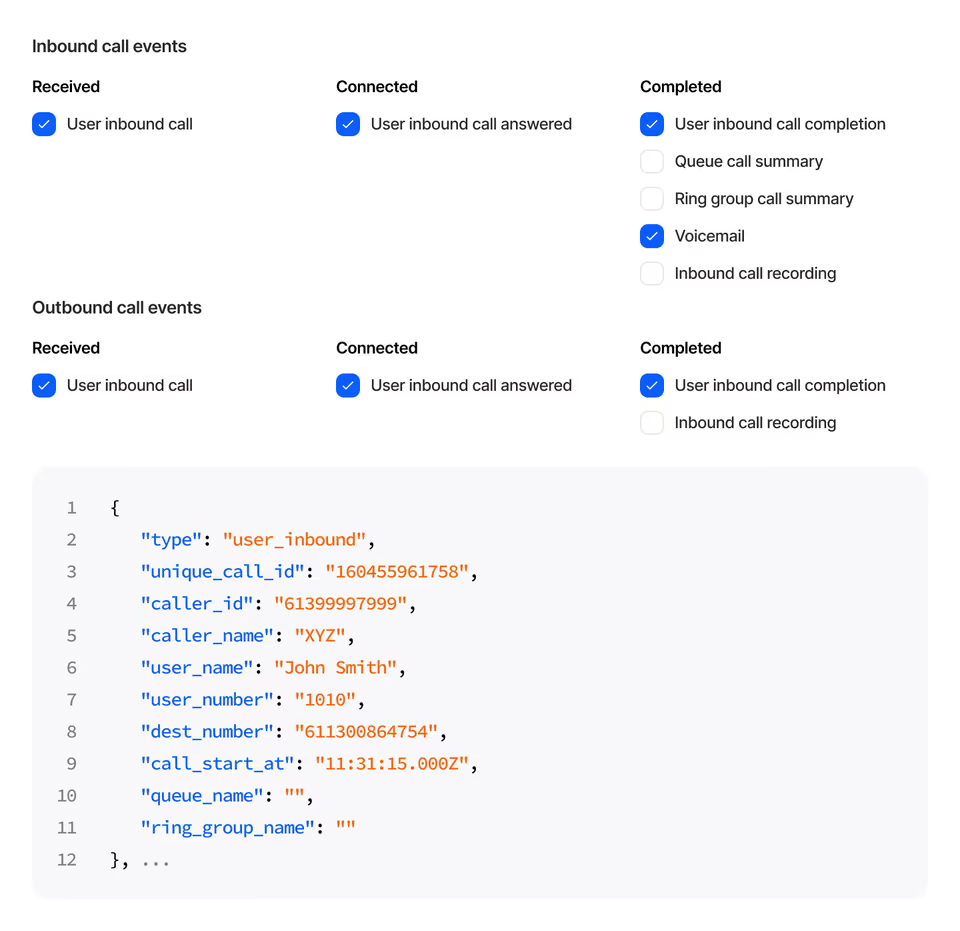
Account-level events, tested from the portal
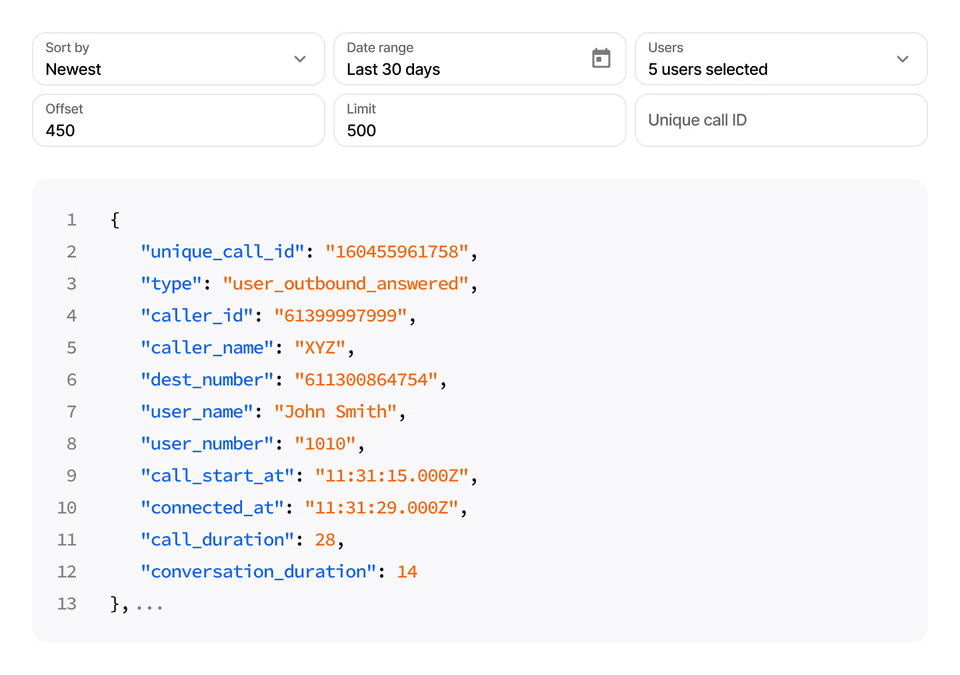
The API places calls and returns user, queue and ring group calls. Webhooks send full call details on start, answer and completion. Both can be tested directly from the portal.
In the call flow
Let your systems steer calls
The API object asks an external application where to send a call, or what caller ID prefix to show. The webhook object sends call details from any point in the flow.
- Number mode: route to any number
- Caller ID prefix mode
- Secret token and custom headers
CRM and Zapier
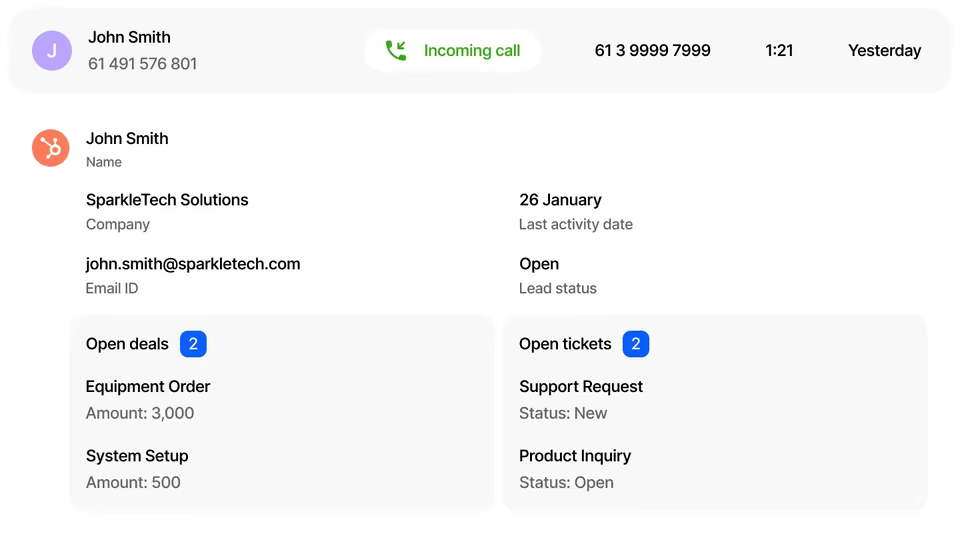
Caller details on screen during calls
In the Webphone, users see contacts, deals and tickets from HubSpot, Zendesk or Zoho, and log calls with notes. Tall Emu shows caller details in its own client.
- Zapier triggers: call started, answered, ended
- Zapier actions: make a call, show caller info
At a glance
Key facts
- API
- REST, restricted by IP whitelist
- Webhook triggers
- Calls, queues, ring groups, recordings, voicemail
- CRMs
- HubSpot, Zendesk, Zoho, Tall Emu
- Automation
- Zapier
- Testing
- Directly from the customer portal
Questions
Reselling Integrations and API
Can’t see yours? Ask our partner team.
Do CRM integrations work with any softphone?
No. CRM integrations work only in the Webphone.
How do portal webhooks differ from the webhook object?
Webhooks set in the portal work at account level and fire for all matching calls. The webhook and API objects sit at specific points in a call flow, for particular scenarios.
Can integrations be turned on for some users only?
No. Integration features apply to the whole account, and include the full range of integration options.
What if a customer needs an integration you don’t list?
Contact us about it. In the meantime, the API and webhooks let you connect to other systems yourself.
Read the guide
Step-by-step guides in the knowledge base, ready to share with your customers.
Also on the platform
Sell it together with
Start selling voice on your terms
Three steps, and the first takes five minutes.
- ApplyTell us about your business. It takes five minutes.
- Sign the NDAWe email a short non-disclosure agreement straight away. Partner pricing follows once it’s signed.
- Meet your account managerA portal demo and help choosing the right programme.