
Phone calls in Microsoft Teams, with PBX features
Add calling to your customers’ Teams tenancies through Direct Routing. They keep their phone numbers, and you keep your CSP relationship and their licensing.
- Direct Routing via SBC
- Keep existing numbers
- Keep your CSP relationship
Sell to your customers
What your customers get
Calls to any number
Make and receive calls to any phone number directly from the Teams app.
Hosted PBX features
Voice menus, queues, time-based routing, call recording, caller ID routing and fax to email.
Keep your licensing
Retain your CSP relationship with Microsoft and keep ownership of customer licensing.
Reports and wallboards
Call reports, queue statistics, user information and live wallboards for Teams users.
Any Teams device
Use the Teams app on a computer, smartphone or browser, or a Teams certified desk phone.
Call accounting included
Number provisioning, call accounting and usage reporting come with the platform.
How it works
Teams on the outside, our PBX underneath
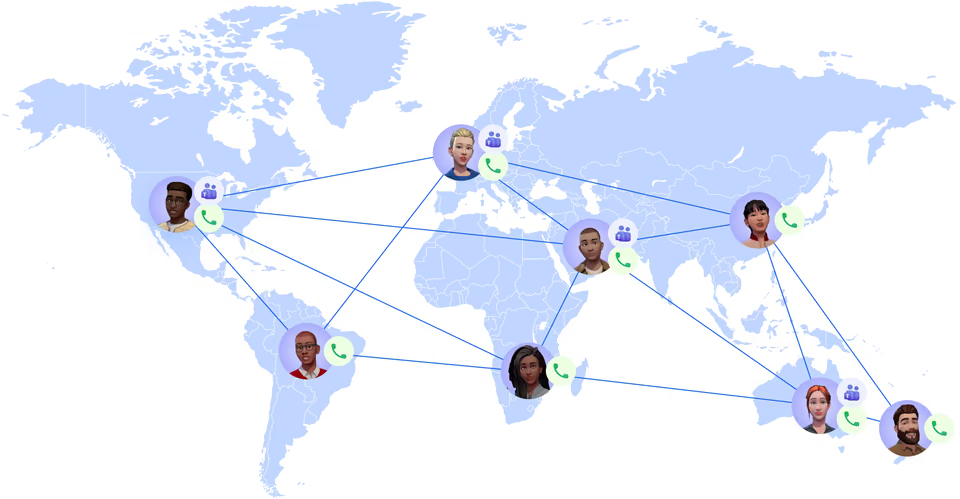
Direct Routing connects Teams to the public phone network through our cloud SBC. Calls pass through the hosted PBX, so call flow features work for Teams users too.
- Voice integration via our cloud SBC
- Calls to and from any number
- Teams chat, video and file sharing stay

For Microsoft partners
Add voice without giving up the customer
You keep the customer’s Microsoft licensing and your CSP relationship. We provide the voice side: numbers, PBX features, call accounting and usage reporting.
- Number provisioning
- Call accounting and usage reporting
- Teams certified Yealink desk phones
Flexible setups
Teams alongside the Webphone and desk phones
Teams is one way to take calls on the PBX. Other staff can use the Webphone or a SIP desk phone. Teams can also connect as a SIP trunk gateway with its own channels.
At a glance
Key facts
- Connection
- Direct Routing via our cloud SBC
- Microsoft licence
- E1, E3 or E5 plus Phone System add-on
- Per Teams user
- Phone number plus PBX user or SIP channel licence
- Desk phones
- Yealink MP56 and MP58 Teams phones
- SMS in Teams
- Via touchSMS, Edgility or emu.chat
Questions
Reselling Microsoft Teams calling
Can’t see yours? Ask our partner team.
What Microsoft licences do my customers need?
A Microsoft E1, E3 or E5 licence plus the Phone System add-on, bought within their tenancy or through their licensing provider. Each Teams user also needs a phone number and a PBX user or SIP trunk channel licence.
Do I have to move my customers’ Microsoft licensing to you?
No. You keep your CSP relationship with Microsoft and ownership of customer licensing. We provide the voice connection, numbers and PBX features.
Can Teams users send and receive SMS?
Yes, through an integration with one of our partners: touchSMS, Edgility or emu.chat.
Which desk phones work with Teams?
Only Teams certified phones, because Teams uses Microsoft’s own voice encoding. We supply Yealink MP56 and MP58 Teams phones. Other VoIP phones will not work with Teams.
Read the guide
Step-by-step guides in the knowledge base, ready to share with your customers.
Also on the platform
Sell it together with
Start selling voice on your terms
Three steps, and the first takes five minutes.
- ApplyTell us about your business. It takes five minutes.
- Sign the NDAWe email a short non-disclosure agreement straight away. Partner pricing follows once it’s signed.
- Meet your account managerA portal demo and help choosing the right programme.